Daily AI Move · 005
Find out which jobs actually make you money, with Claude.
Paste three months of jobs into Claude with what your time is worth, and ask which kinds of jobs make money after materials and drive time. In our run, Claude built a dashboard in about a minute and a half, checked its own math, and showed that furniture assembly paid less than the handyman's time was worth.
At a glance
- Built with
- Claude Sonnet 5.5, Medium effort
- Build time
- 92 seconds
- Jobs analyzed
- 40 sample jobs, 6 job types
- Cost
- Your existing Claude plan
- Published
50-second walkthrough
Watch it start to finish
The whole build, from an empty chat to a working page, recorded in Claude.
Read the transcript
Your busiest job might not be the one making you money.
Here's how to find out in Claude, with the job log you already keep.
Start a new chat. Say what your time is worth, and ask which jobs make money after materials and drive time.
Ask for a dashboard, then paste three months of jobs.
In about a minute and a half, Claude builds it and checks its own math.
Deck staining pays best. About $95 an hour.
Furniture assembly pays less than your time is worth. It needs about 21% more just to break even.
Bump your rate to $60, and small repairs, your busiest job, drop below the line too.
Claude's fix: add a trip fee, or book two small jobs on the same trip.
Want this dashboard and the prompt? They're at the link in our bio.
Follow MediaMentorAI for one new AI move every day.
Live demo
Try the dashboard Claude built
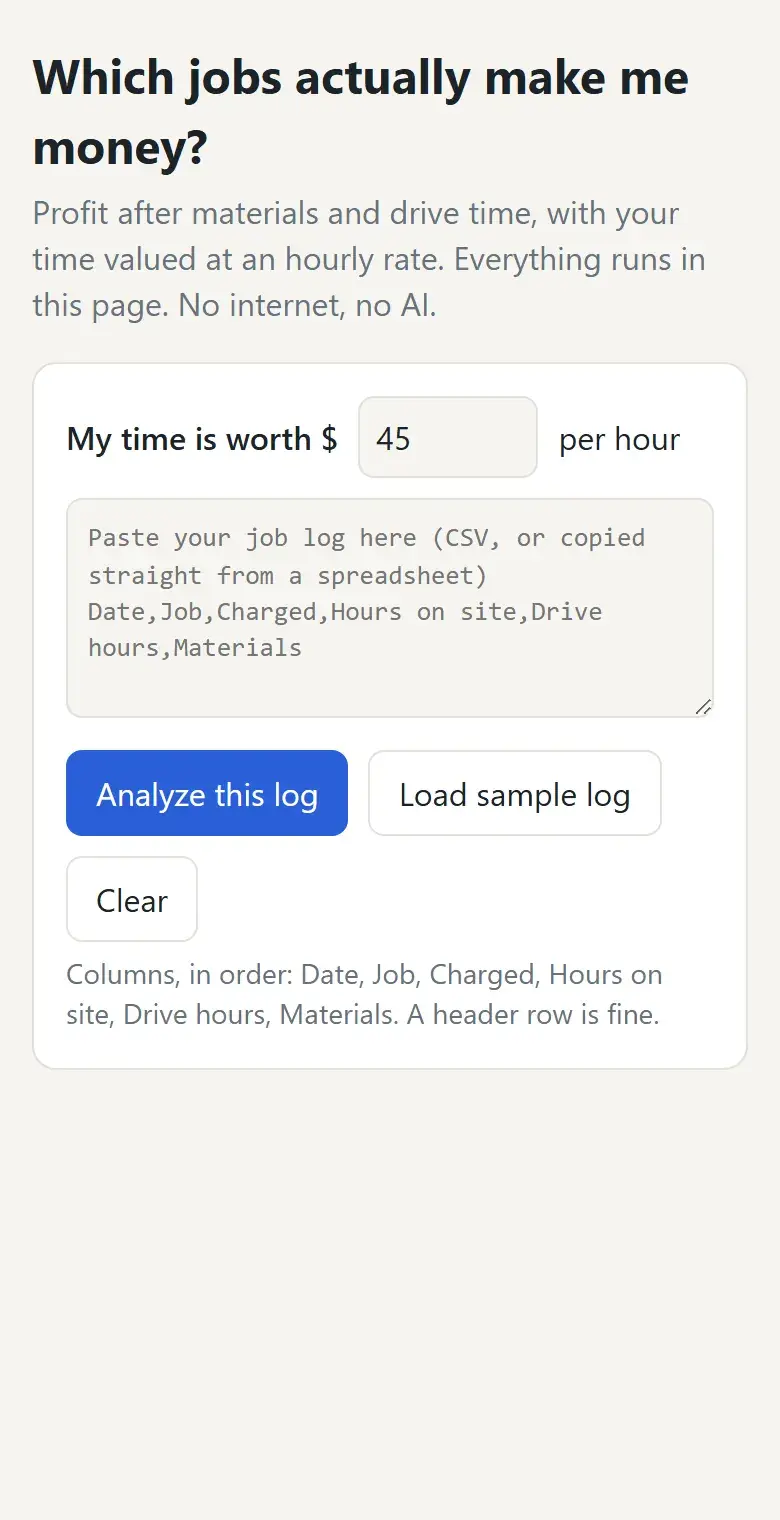
This is the dashboard Claude built, as it came out. Load the sample handyman log, or paste your own, then change the hourly rate and watch what moves. It runs in your browser, so nothing you paste is uploaded.
Try this
- Tap Load sample log
- Read the bars: the black line is the $45 rate
- Change the rate to 60
- Scroll down to What to do more of (and fix)
At $45, only furniture assembly falls short of the line. At $60, small repairs, the busiest job, drop below it too.
The 40 jobs are made up. Columns go in this order: date, job, charged, hours on site, drive hours, materials. A header row is fine.
Open it full screen (opens in a new tab)Step by step
How to build it in 5 steps
Tested in Claude with Claude Sonnet 5.5, Medium effort.
Pull three months of jobs
Export or copy your recent jobs from your invoicing app or a spreadsheet. For each job you need the date, the type of job, what you charged, hours on site, hours driving and materials. Three months gave us 40 jobs, enough to compare job types.
Drive time is the number most people leave out, and in our sample it was 41% of the hours on small repairs.
Ask with your hourly rate
Open a new chat in Claude. Say what your time is worth, ask which kinds of jobs make money after materials and drive time, and ask for a dashboard you can paste a new log into later, with a button that loads this one as a sample. Then paste the log under the message.
End with “Show it to me here first. Don't publish it yet.” so Claude doesn't offer to make it public.
Let Claude build it and check the math
Ours took 92 seconds. Claude said it would check the math before showing it, and its totals matched ours: $8,910 charged, $1,022 in materials and 114 hours including driving, or $69.19 an hour overall.
Read the dashboard
Deck staining took home $94.61 an hour, about $382 of profit per job above the $45 rate. Furniture assembly took home $37.24 an hour, the only job type under the rate: across 7 jobs it lost $166 against the handyman's time, and it would need about $137 a job, roughly 21% more, to break even.
Change your rate, then fix what drags
Type a different hourly rate and everything updates. At $60, small repairs, the busiest job with 13 of the 40, drop below the line too. Claude's advice: add a trip fee, set a minimum charge, or book two small jobs on the same trip.
Copy it
The exact prompt we used
Swap in your own trade, rate and jobs, and send it as one message.
Prompt
I'm a handyman. Below is my job log from the last 3 months.

Show me which kinds of jobs actually make me money after materials and drive time, if my time is worth $45 an hour.
Build it as a dashboard: profit per hour for each job type, my best and worst jobs, and what I should do more of.
Let me paste a new job log later, with a button that loads this one as a sample.
It has to work without AI or the internet.
Show it to me here first. Don't publish it yet.

Job log:
Date,Job,Charged,Hours on site,Drive hours,Materials
[paste your jobs here, one per line]
In our run, 40 made-up jobs went where the last line is; they're in the download. The download is a fuller version of this prompt: it asks for your rate and any costs your log leaves out, checks your data for problems before building, and checks the math on two job types. ChatGPT can follow it too, but we made this tutorial in Claude.
Under the hood
What Claude built, and why
Read from the dashboard, its code and the summary Claude wrote under it.
Take-home per hour, drive time included
For each job type: what you charged minus materials, divided by hours on site plus drive hours. Profit is that minus your hourly rate, so a job can be busy and still lose money against your time.
Bars against your rate
One bar per job type with a black line at your rate: green bars beat it, red bars fall short. In the sample, only furniture assembly is red at $45.
A rate you can change
Type a new hourly rate and the bars, the table, the best and worst jobs and the advice all update as you type.
Best and worst single jobs
The five best and five worst individual jobs by take-home per hour. In the sample, all five worst were furniture assembly, and the best was a TV mount on 9/5 at $117 an hour.
Advice with the numbers behind it
Cards say what to do more of, what to reprice or drop with the price that would break even at your rate, and where drive time is eating the profit.
Paste your own log
A box takes a new log pasted straight from a spreadsheet, an Analyze button reads it, and Load sample log brings back the demo jobs. It all runs in the browser with no AI or internet connection.
Make it yours
The same move for other businesses
Paste your own job log the same way. The download asks you the right questions.
House cleaning
Compare standard, deep and move-out cleans per hour, including drive time between homes.
Landscaping
See whether one-time cleanups or weekly mowing routes pay better once travel is counted.
Plumbing
Find out whether small service calls pay once the drive and parts runs are in.
Photography
Compare weddings, portraits and events per hour, counting editing time as time on the job.
Mobile detailing
Find the packages that pay best per hour, with travel between customers included.
Tutoring
Compare in-home, online and group sessions, counting travel and prep time.
FAQ
Questions about this tutorial
What format does my job log need?
One job per line with the date, job type, amount charged, hours on site, drive hours and materials, in that order. A CSV export or a paste straight from a spreadsheet works, and a header row is fine.
Is my data uploaded anywhere?
The dashboard itself runs in your browser and doesn't send what you paste anywhere. The log you paste into the chat to build it is part of your Claude conversation, like anything else you type there.
What does take-home per hour mean?
What you charged minus materials, divided by every hour the job took, including driving. Compare it with what your time is worth: anything below that line is costing you.
Which Claude plan and model did you use?
We used Claude Sonnet 5.5 at the default Medium effort on a paid plan. Plans and limits change, so check Claude's plans page for what yours includes. We haven't tested this on the free plan.
Does this work in ChatGPT?
We made and tested this tutorial in Claude. The downloadable prompt file is written so ChatGPT can follow it too, but we haven't tested it there yet.
Should I stop doing the jobs that lose money?
Not automatically. A low-paying job can bring in customers who book bigger work later. Use the numbers to reprice, add a trip fee or a minimum charge, or bundle trips first, then decide.
Want it to do more?
Know your numbers without the spreadsheet.
MediaMentorAI builds reporting that pulls from the tools you already use and tells you what changed each week, so the numbers come to you.