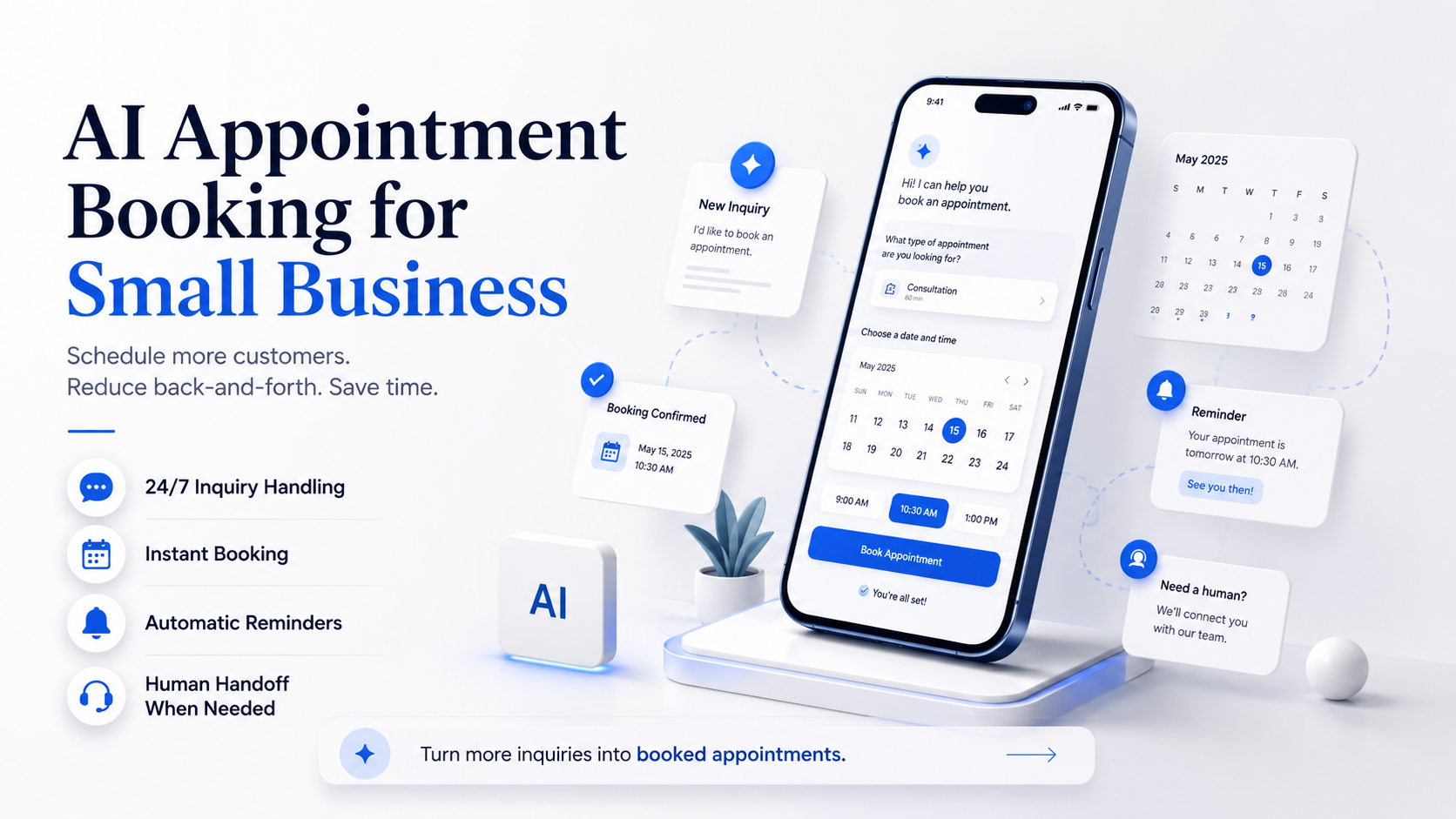
What this guide covers
- Treat booking as a state machine: requested, eligible, offered, selected, write pending, confirmed, changed, or canceled.
- Keep the source of truth explicit. Checking availability, creating an event, and telling the customer it is confirmed are separate steps.
- Test conflicts, duplicates, stale availability, write failures, rescheduling, cancellation, time zones, and human handoff before live use.
The core idea
Booking is a state machine
AI appointment booking is a workflow in which a model interprets a request and uses approved scheduling tools. The risky shortcut is treating “the customer chose 2:00” as “the appointment is confirmed.” A reliable design names each state and changes the customer’s expectation only after the calendar system verifies the corresponding action.
Requested
The customer has asked for an appointment or scheduling help. No eligibility or availability has been confirmed.
Eligible
The business rules support this service, location, customer type, duration, resource, and channel.
Offered
One or more slots were available when checked. They are not automatically reserved.
Selected
The customer chose a slot and confirmed the critical details, but the write may still be pending.
Confirmed
The calendar or booking system accepted the event, returned a durable reference, and the final record matches the customer message.
Changed or canceled
A later request modified the record and produced a new verified state, notice, and audit entry.
Business rules
Name the source of truth
Before adding an agent, write down where each booking fact comes from and who can change it. If staff keep exceptions in memory, text messages, or a second calendar, the agent cannot reliably infer the real schedule.
Availability
The calendars, shifts, blackout periods, travel time, buffers, capacity, and resource rules that determine whether a slot may be offered.
Technician calendar plus a 30-minute travel buffer and a daily capacity limit.Eligibility
The service, location, customer, preparation, lead time, and prerequisite rules that must be true before scheduling.
The address is inside the service area and the request matches an appointment type the team offers.Appointment record
The system that owns the confirmed event ID, status, time zone, attendees, resource, and later changes.
One approved booking platform or calendar, not an untracked copy in the transcript.Customer notice
The message channel and wording that tell the customer whether a slot is requested, held, confirmed, changed, canceled, or awaiting review.
A confirmation includes the verified date, local time, service, location, change path, and reference.Resolve these details before integration
- Appointment types, durations, buffers, capacity, locations, and staff or equipment requirements.
- Minimum notice, maximum booking horizon, blackout dates, business hours, and time-zone behavior.
- New-customer, returning-customer, deposit, referral, form, or document prerequisites.
- Which fields the agent may collect and which sensitive details must use another approved process.
- Who owns conflicts, special requests, accessibility needs, cancellations, and rescheduling exceptions.
- What event or message proves a booking, change, or cancellation actually completed.
Seven verified steps
Map the booking flow
- Capture the request.Record the customer’s own words, channel, contact details, requested service, location, and time preference.
- Check eligibility.Apply the approved service, customer, location, notice, prerequisite, and exception rules.
- Read current availability.Query the source-of-truth system for the exact duration, resource, time zone, and buffer requirements.
- Offer bounded choices.Present a small set of current options with date, day, local time, duration, and any important condition.
- Confirm the selection.Read back critical customer, service, location, date, time, time-zone, and contact details before writing.
- Write and verify.Recheck availability when appropriate, create the event once, and verify the returned ID, status, resource, and final fields.
- Notify or recover.Send an accurate confirmation only after verification. If the write is uncertain, route the request and state that confirmation is pending.
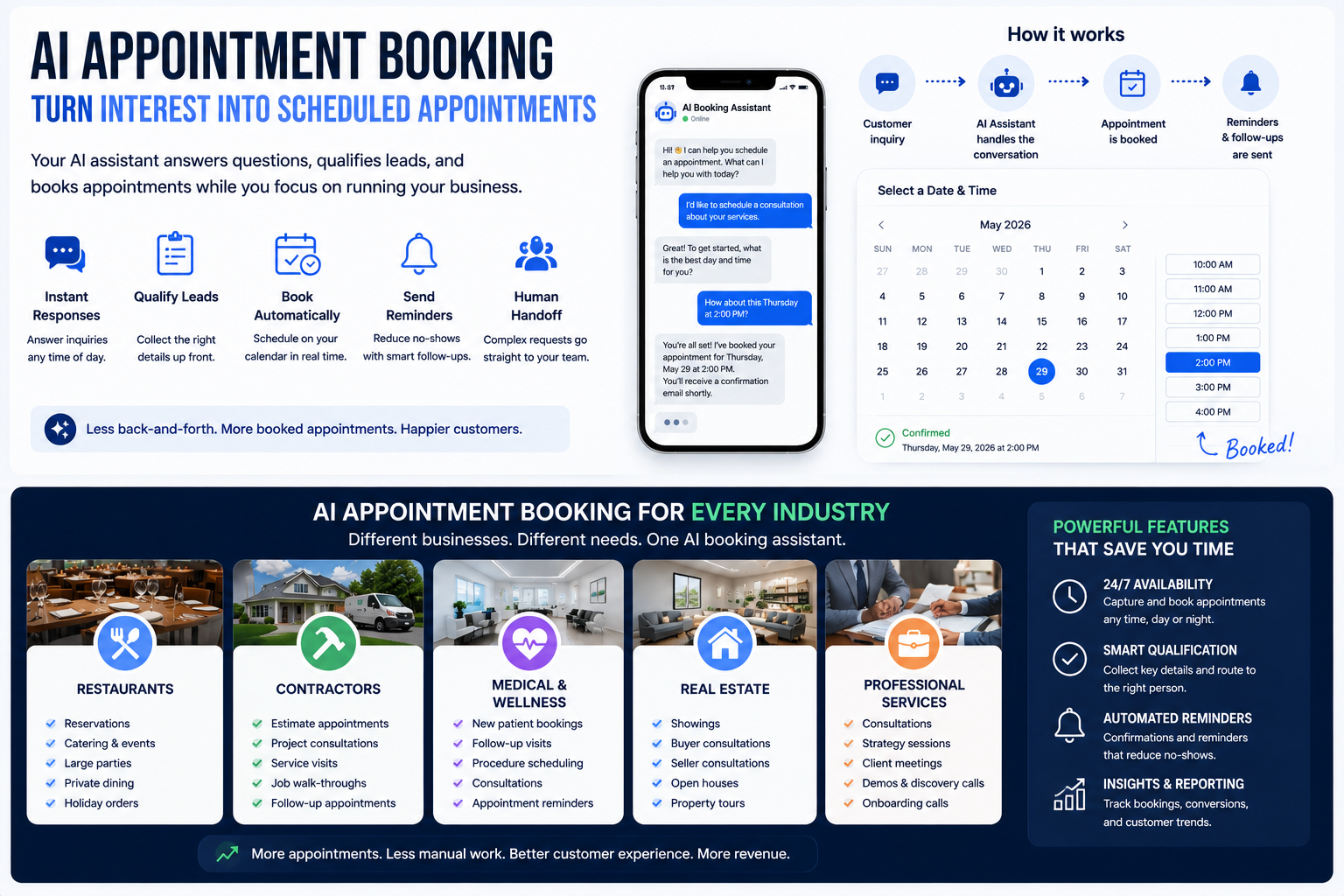
Recovery before success
Design the exception matrix
No eligible appointment type
Do not force the request into the closest category. Preserve the customer’s wording and route it to the named owner.
The requested repair is not on the supported service list.No matching slot
Offer the approved alternative: another window, a staff callback, or a waitlist request. Do not invent availability.
The customer needs Tuesday afternoon, but no qualified resource is free.Slot changes before write
Tell the customer the option is no longer available, refresh the source, and offer verified alternatives.
Another channel books the same resource after the first availability check.Write result is ambiguous
Check for an existing event using the workflow’s durable request reference before retrying. Do not create a blind duplicate.
The request times out after the calendar may have accepted it.Duplicate customer request
Retrieve the current appointment state and ask whether the customer wants to review or change it.
The same person follows a web request with a phone call.Reschedule or cancellation
Verify the requester, retrieve the existing event, apply policy, update once, and confirm the new final state.
The customer asks to move an appointment while a staff member is editing it.Illustrative scenario
Worked example: repair visit
A customer asks online for a dishwasher repair on Tuesday afternoon. The workflow captures the model type only if the business requires it, verifies that the address is inside the service area, maps the request to the approved diagnostic-visit type, and applies that visit’s duration and travel buffer. It then reads current availability for a qualified technician.
Offer
The system returns two current Tuesday options. The agent states the date, local time, visit type, expected duration, and that availability will be rechecked when the customer chooses.
Verify
The customer selects one option. The agent repeats the name, phone, service address, appointment type, date, and time.
Write
The workflow rechecks the chosen resource, creates one event with a durable request reference, and verifies the returned record.
Confirm or recover
If the final event matches, send confirmation. If the write is uncertain, say the request is pending review and place it in the scheduling queue.
The example makes no claim about faster booking, more revenue, fewer no-shows, or customer satisfaction. It shows how a business can keep the customer message aligned with the verified scheduling record.
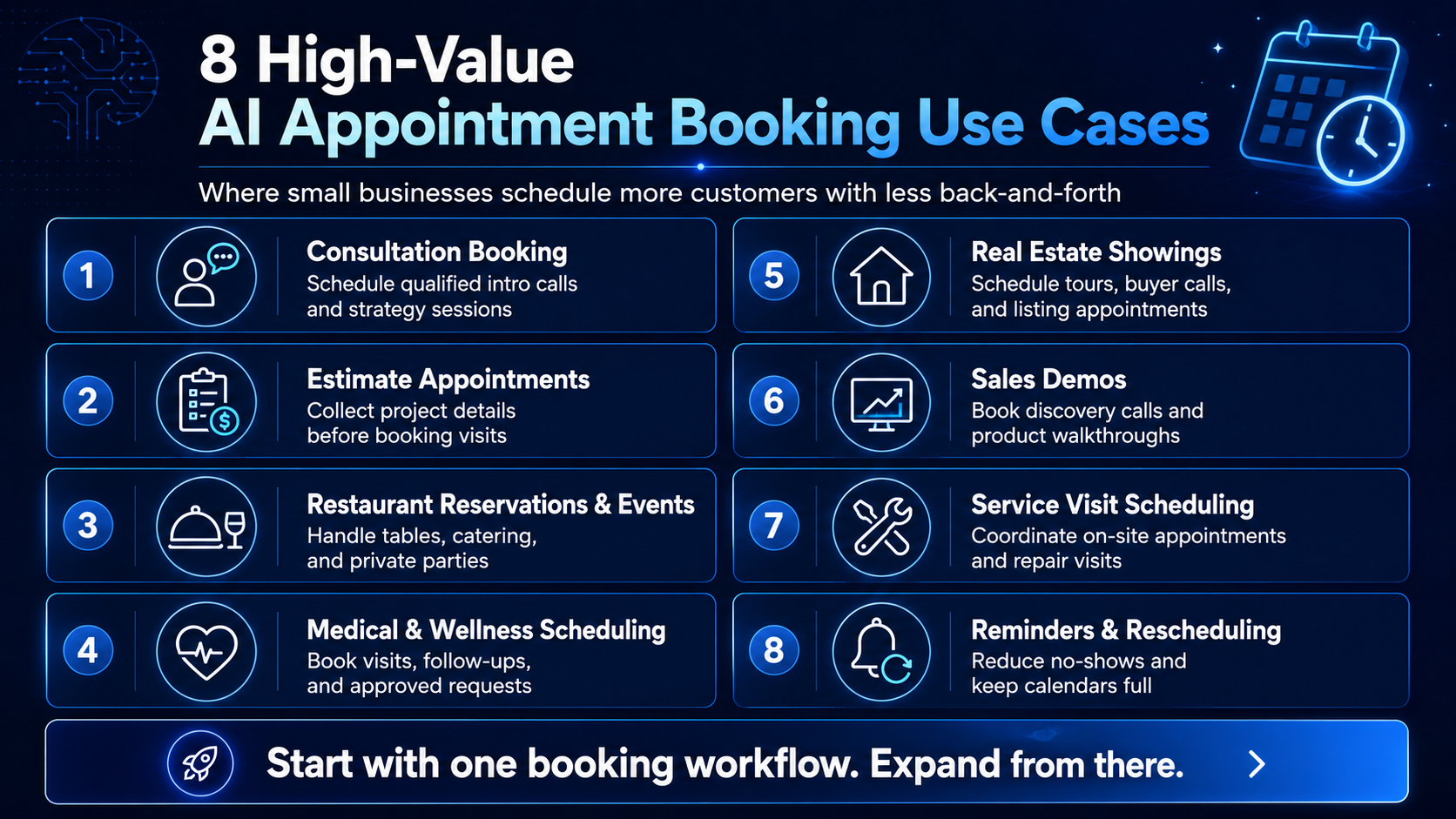
Implementation controls
Protect calendar truth
Calendar platforms expose separate operations that reflect the workflow’s separate responsibilities. Google Calendar, for example, provides a free/busy query for availability and an event-insert method for creation. Its authorization guide recommends choosing the most narrowly focused OAuth scope possible. The same owner principle applies across providers: grant only the read and write access this appointment flow needs.
Controls to require from any implementation
- Read from the designated availability calendars, resources, time zones, and booking rules.
- Keep availability checks separate from event creation and from the customer confirmation message.
- Use a durable request or event reference so an uncertain retry can look for prior work before creating another event.
- Verify the returned event ID, status, start, end, time zone, resource, and attendees before announcing confirmation.
- Preserve who or what created, changed, or canceled the event and which instruction and policy version applied.
- Use bounded retries, a reconciliation queue, and an honest pending state for ambiguous failures.
- Synchronize later calendar changes into the customer-facing workflow instead of assuming the original record stayed current.
Google’s Calendar API documentation explicitly describes duplicate and conflict responses and explains that incremental synchronization can require a fresh full sync when a sync token becomes invalid. Those are implementation details, but they expose a business requirement: the booking experience needs a defined response when systems disagree or state becomes stale.
Customer messages
Confirm and remind carefully
A confirmation is a claim about the current record. A reminder is another chance to expose a mismatch. Generate both from the final booking system, not from remembered conversation text, and provide a clear route to correct or change the appointment.
A useful confirmation states
- The business, customer, appointment type, date, day, local time, time zone when relevant, duration or arrival window, and location or meeting method.
- Any preparation, deposit, document, access, cancellation, or rescheduling condition that the business has approved for this appointment type.
- A durable confirmation reference and the channel the customer should use to correct a mistake or reach a person.
- Whether the appointment is confirmed, requested, held, on a waitlist, changed, canceled, or still awaiting review.
Pilot scorecard
Measure booking quality
Eligibility accuracy
Did the workflow book only supported appointment types, customers, locations, resources, and prerequisite states?
Record agreement
Do the conversation, event record, resource calendar, and customer notice agree on every critical field?
Conflict rate
How often did offered or selected slots become unavailable, collide, or require staff reconciliation?
Duplicate rate
How often did repeated submissions, retries, or cross-channel requests create more than one record?
Correction burden
How much staff time was required to repair wrong fields, routing, notices, reschedules, and cancellations?
Recovery completion
Did ambiguous writes, tool failures, and exceptions reach a person with enough context to finish safely?
Track customer-facing outcomes such as completed appointments, no-shows, abandonments, and complaints only with clear definitions and baselines. Do not attribute a change to AI booking without evidence that separates the workflow from seasonality, staffing, demand, channel mix, and policy changes.
Controlled rollout
Stage the booking pilot
- Model the states.Document the source of truth, eligibility rules, transitions, customer wording, exceptions, and stop conditions.
- Replay without writes.Use synthetic and approved historical cases to test interpretation, time zones, conflicts, duplicates, and handoffs.
- Connect read-only availability.Compare offered slots with the staffed process and test stale, empty, conflicting, and unavailable results.
- Create pending records.Let staff approve event creation and inspect the final customer message before any live automatic confirmation.
- Limit live booking.Open one appointment type, channel, location, or time window with monitoring, reconciliation, and a tested shutoff.
Before confirmation
Owner decision checklist
- Is one system the named source of truth for availability and the final appointment record?
- Are eligibility, duration, buffer, capacity, time-zone, lead-time, and resource rules written down?
- Does the workflow distinguish requested, offered, selected, pending, confirmed, changed, and canceled states?
- Does it verify the actual write before claiming the appointment is confirmed?
- Can it detect prior work before retrying an uncertain create, update, or cancellation?
- Are conflicts, no-slot cases, unsupported services, sensitive requests, reschedules, and cancellations assigned to a human path?
- Do confirmations and reminders come from the current booking record?
- Can the owner reconstruct every state change and stop the workflow?
Evidence
Sources reviewed
FAQ
AI Appointment Booking FAQ
What is AI appointment booking?
It is a scheduling workflow in which a model interprets a customer request and uses approved tools to check rules and availability, prepare or create an event, confirm the final state, and hand exceptions to a person.
How is AI booking different from a calendar link?
A calendar link presents configured choices. An AI layer can interpret varied language, collect missing details, apply limited eligibility rules, and route exceptions. That flexibility adds testing, permission, claim, privacy, and recovery requirements.
When is an appointment actually confirmed?
Treat it as confirmed only after the source-of-truth system accepts the event, returns a durable reference, and the verified event fields match the customer’s selection. A selected slot or timed-out write is not enough.
How can a booking workflow avoid duplicate appointments?
Give each request a durable reference, look for prior work before retrying an uncertain action, verify the returned event, and route ambiguous states to reconciliation. Test duplicates across web, phone, text, staff entry, and network retries.
What should happen if a slot disappears?
State that the option is no longer available, refresh the source-of-truth schedule, and offer verified alternatives or a human callback. Do not silently move the appointment or invent capacity.
Can AI appointment reminders reduce no-shows?
This guide makes no universal reduction claim. Reminders can confirm details and expose changes, but measure no-shows and other outcomes in the business’s own workflow with a clear baseline before attributing a change to the system.
Should an AI booking agent handle rescheduling and cancellation?
Only when identity checks, policy, current-record retrieval, conflict handling, write verification, notices, audit logs, and a human exception path are defined and tested. These are separate workflows, not automatic extensions of new booking.
What is a good first appointment workflow?
Choose one repeated, low-risk appointment type with stable duration, clear eligibility, one source-of-truth calendar, limited fields, and a named scheduler for exceptions. Begin with pending records or human approval before automatic confirmation.